Repair vs. Replacement: How To Decide For Apple Laptops
Computer Repair
 4 months ago
Apple laptops work hard. Whether you use your MacBook for school, business, design, photos, or everyday life, it can feel like a major setback when something goes wrong. A cracked screen, weak battery, liquid spill, slow performance, or charging issue can leave you asking one big question: should I repair it or replace it?
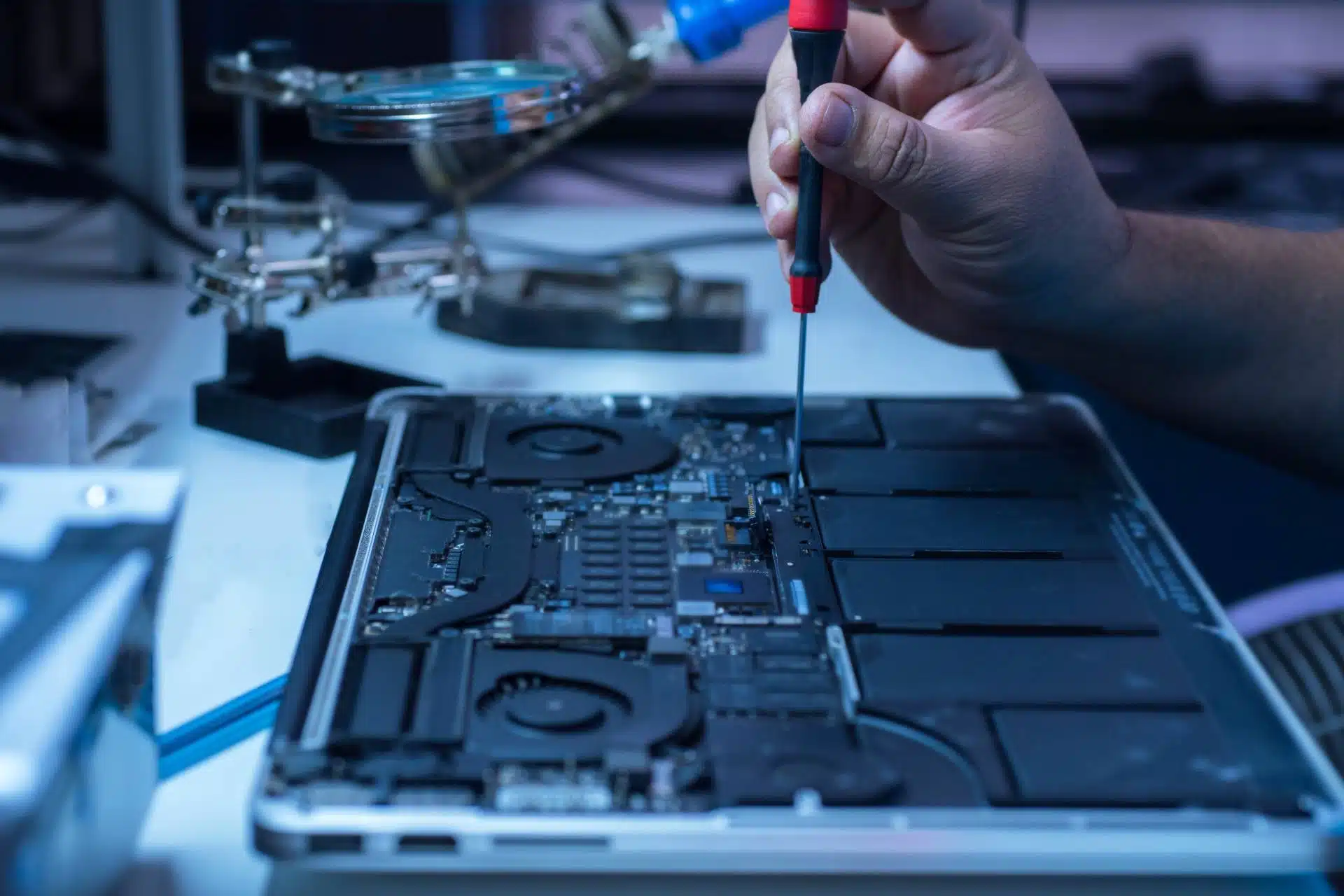
The answer depends on the age of your laptop, the repair cost, the device’s condition, and how well it still fits your needs. Before you spend money on a brand-new MacBook, it helps to understand when Apple laptop repair makes sense.
Start With The Problem
Not every issue means your MacBook has reached the end of the road. Many common Apple laptop problems have practical repair options.
A battery replacement can help if your MacBook dies quickly or won’t hold a charge. A screen repair can restore a laptop that still runs well but has cracked glass or display problems. Charging port issues, keyboard problems, trackpad failures, overheating, and software issues can also have repair solutions.
A professional diagnosis gives you the clearest answer. Instead of guessing, a trained technician can inspect your MacBook, identify the issue, and explain your options.
Compare Repair Cost To Replacement Cost
Cost plays a major role in the repair vs. replacement decision. If the repair costs much less than a new or refurbished MacBook, repair may offer the better value.
For example, a battery, screen, or charging repair may cost far less than replacing the entire laptop. If your MacBook still performs well, runs the programs you need, and has no major internal damage, repair can extend its life without draining your budget.
Replacement may make more sense when repair costs approach the price of a newer device, especially if your laptop already struggles with speed, storage, or software compatibility.
Consider The Age Of Your MacBook
Age matters, but it shouldn’t make the decision for you by itself. Some older MacBooks still handle everyday tasks well. Others struggle because newer software and apps need more power.
Ask yourself a few questions:
- Does your MacBook still run the programs you use every day?
- Does it have enough storage?
- Does it feel fast enough for your work?
- Can it still receive the updates you need?
If your laptop still meets your needs, repair may make sense. If it slows you down every day, replacement may give you a better long-term experience.
Think About Your Data
Your MacBook may hold more than hardware value. It may contain photos, documents, work files, passwords, school projects, and years of personal information.
If your laptop won’t turn on, don’t assume everything is gone. In many cases, technicians can help recover data or repair the issue enough to access important files.
Before replacing your MacBook, ask about data recovery options. You may still be able to save the information that matters most.
Look At The Overall Condition
A single repair can make sense when the rest of the laptop remains in good shape. However, multiple problems can change the equation.
Repair may make sense if your MacBook has one clear issue, such as a cracked screen or worn battery. Replacement may make more sense if your laptop has liquid damage, a failing logic board, poor battery life, broken keys, and slow performance all at once.
A repair technician can help you look at the full picture instead of focusing on one symptom.
Don’t Forget Environmental Impact
Repairing your Apple laptop can also reduce electronic waste. When you fix a device instead of replacing it, you help keep usable technology out of landfills and extend the life of materials already in circulation.
That’s one reason repair can feel good beyond the cost savings. You get more value from a device you already own, and you make a more sustainable choice.
When Apple Laptop Repair Makes Sense
Apple laptop repair often makes sense when the device still works well, the repair cost stays reasonable, and the fix solves the main issue. It can also make sense when you need access to important data or want to avoid the cost of a new MacBook.
Replacement may make sense when your laptop no longer supports your daily needs, requires several expensive repairs, or can’t keep up with current software.
Ready To Make The Right Call?
You don’t have to decide on your own. At The Lab, our repair experts can inspect your Apple laptop, explain what’s wrong, and help you compare repair and replacement options.
Bring your MacBook to The Lab and let’s find the smartest next step for your device.
Frequently Asked Questions
Is Apple laptop repair worth it?
Yes, Apple laptop repair can be worth it when the repair costs less than replacement and your MacBook still meets your daily needs.
When should I replace my MacBook instead of repairing it?
You may want to replace your MacBook if it needs multiple expensive repairs, runs too slowly, lacks storage, or no longer supports the software you need.
Can The Lab repair MacBook screens and batteries?
Yes, The Lab can evaluate Apple laptop screen, battery, charging, keyboard, trackpad, and performance issues.
What should I do if my MacBook won’t turn on?
Bring it in for a diagnosis. A technician may identify the issue and help recover important files if the device has data access problems.
About: Lyle Schrock
You May Be Interested In:

What To Expect When Repairing Older Or Discontinued Devices
4 months ago by Lyle Schrock

How To Spot Early Signs Of Motherboard Failure
5 months ago by Lyle Schrock

Common Laptop Overheating Causes and Prevention Tips
7 months ago by Lyle Schrock

How To Ship Electronics Safely As Christmas Gifts
12 months ago by Lyle Schrock
Ready to Begin?
We're Here to Help!
Our repair experts specialize in creating smiles through phone, tablet, Apple computer, and electronic repair, sales, and consultations.


