Why Phones Fail After “Minor” Water Exposure
Phone Repair
 6 hours ago
You spill a little water on your phone, wipe it off, and everything seems fine. No cracked screen, no warning messages, and no obvious problems. A few days later, your phone suddenly stops charging or won’t turn on.
What happened?
Even minor phone water damage can create serious problems inside your device. Moisture can reach sensitive components, trigger corrosion, and cause unexpected failures long after the initial exposure.
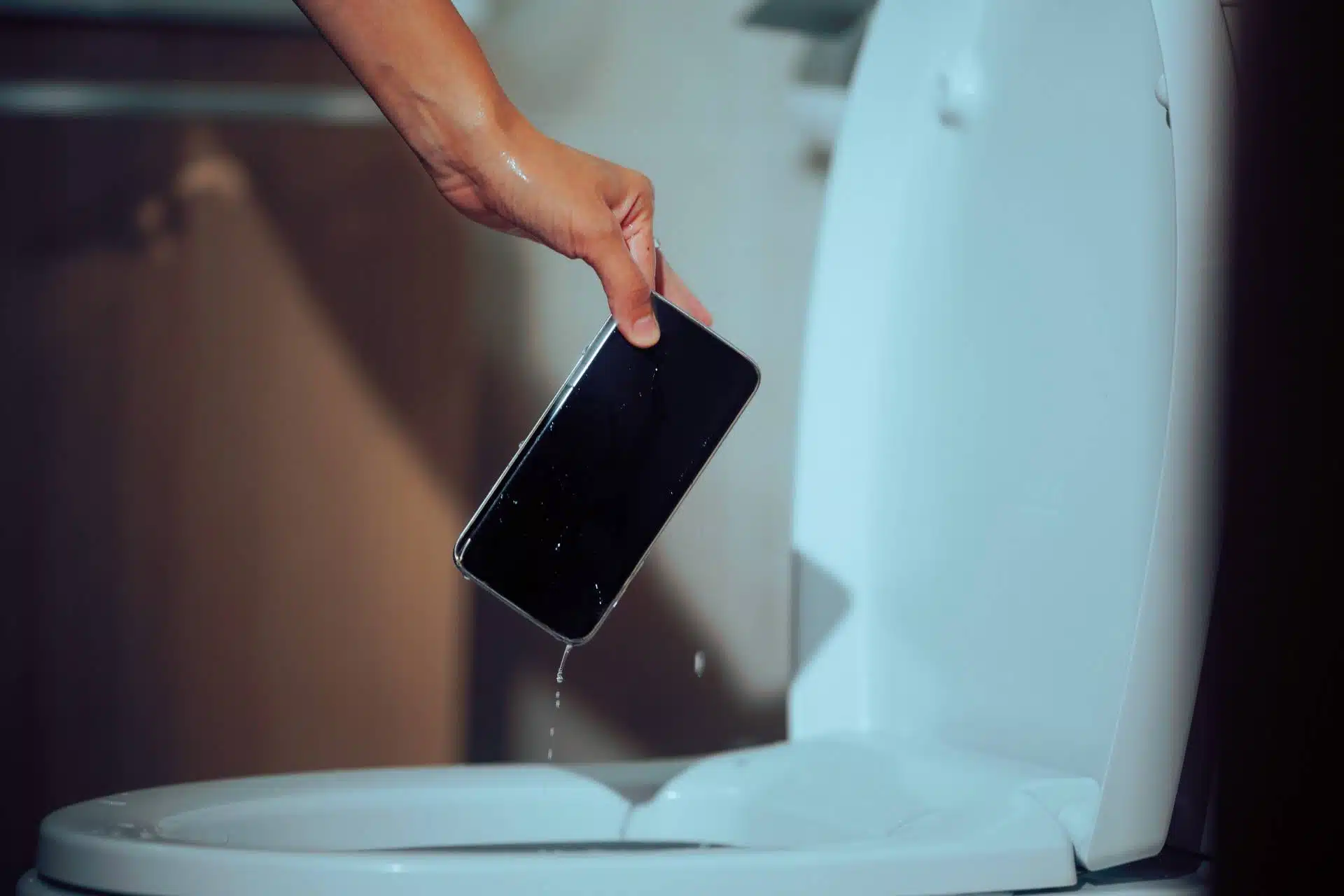
Understanding how water affects your phone can help you recognize warning signs and avoid costly repairs.
Why Can A Small Amount of Water Damage Your Phone?
Smartphones contain delicate electronic components that don’t handle moisture well. Even a few drops of water can reach vulnerable areas through charging ports, speakers, buttons, or damaged seals.
Once moisture enters your phone, several problems can develop:
- Corrosion: Water and dissolved minerals can corrode metal contacts and circuit board connections.
- Short circuits: Moisture can create unintended electrical connections that damage internal components.
- Charging problems: Corrosion or moisture can interfere with charging ports and electrical connections.
- Speaker damage: Trapped moisture can affect sound quality and microphone performance.
- Display issues: Water can disrupt screen connections and cause flickering or touchscreen problems.
The tricky part? These issues don’t always appear immediately.
Why Do Phones Stop Working Days After Water Exposure?
One of the most frustrating aspects of phone water damage is delayed failure.
Your phone might work perfectly after a spill because moisture hasn’t affected a critical component yet. However, corrosion can continue developing over time, especially when moisture reaches electrical connections.
As corrosion spreads, you might notice:
- Random shutdowns or unexpected restarts
- A battery that drains unusually quickly
- Charging problems or intermittent connections
- Distorted audio or malfunctioning speakers
- An unresponsive touchscreen
These symptoms can indicate internal damage, even when your phone looks completely normal.
Aren’t Modern Smartphones Waterproof?
Many newer iPhones and Android devices offer water resistance, but water resistance doesn’t guarantee complete protection.
Manufacturers test water resistance under specific laboratory conditions. Everyday accidents involving coffee, soda, pool water, or lake water introduce additional risks.
Your phone’s protective seals can also weaken as the device ages or experiences drops and repairs.
That’s why phone water damage can still affect devices with water-resistant ratings.
What Should You Do After Your Phone Gets Wet?
Quick action can improve your chances of saving your device.
If your phone encounters water or another liquid, follow these steps:
- Turn it off immediately. Powering down helps reduce the risk of electrical damage.
- Remove accessories. Disconnect charging cables, cases, and other attachments.
- Dry the exterior. Use a soft, lint-free cloth to remove visible moisture.
- Avoid charging it. Don’t connect your phone to power until it dries completely.
- Skip the rice trick. Rice doesn’t reliably remove internal moisture and can introduce debris into charging ports.
- Contact a repair professional. A technician can inspect internal components and identify potential damage.
Don’t use a hair dryer or excessive heat to speed up drying. High temperatures can damage sensitive components.
Can You Repair A Water-Damaged Phone?
Yes, depending on the severity of the damage.
Professional technicians can inspect your phone, identify corrosion, clean affected components, and determine whether replacement parts will restore functionality.
However, not every device will recover completely. Extensive corrosion or circuit board damage can make repairs more complicated.
Addressing phone water damage quickly gives technicians a better opportunity to prevent additional problems.
Get Professional Phone Repair At The Lab In Downtown Warsaw
A small spill shouldn’t automatically mean buying a new phone.
At The Lab, we help customers throughout Warsaw, Winona Lake, Syracuse, and surrounding Northern Indiana communities troubleshoot damaged devices.
Our experienced technicians can evaluate water-related problems, explain your repair options, and help you decide whether repairing or replacing your phone makes sense.
Worried about phone water damage? Contact The Lab today or visit our convenient downtown Warsaw location for professional diagnostics and reliable repair solutions.
Frequently Asked Questions
Can a few drops of water damage a phone?
Yes. Even small amounts of moisture can enter charging ports, speakers, or damaged seals and affect sensitive electronic components.
Why does my phone still work after getting wet?
Moisture doesn’t always cause immediate failure. Corrosion can develop gradually, creating problems hours or days after exposure.
Does putting a wet phone in rice help?
No. Rice can’t reliably remove moisture trapped inside your phone. Turning off your device and seeking professional assistance offers a safer approach.
How long does water damage take to appear?
Problems can appear immediately or develop over several days or weeks. The timeline depends on the liquid, affected components, and extent of exposure.
Can The Lab fix a water-damaged iPhone?
Yes. The Lab offers water damage diagnostics and repair services for iPhones and other smartphones. Technicians can evaluate the damage and recommend appropriate solutions.
About: Lyle Schrock
You May Be Interested In:

Why Do Some Phone Repairs Cost More Than Others?
2 weeks ago by Lyle Schrock

What Happens When Face ID Or Fingerprint Sensors Fail?
4 weeks ago by Lyle Schrock

The Risks of Using Public USB Charging Stations
1 month ago by Lyle Schrock

What To Do If Your Touchscreen Responds Incorrectly
2 months ago by Lyle Schrock
Ready to Begin?
We're Here to Help!
Our repair experts specialize in creating smiles through phone, tablet, Apple computer, and electronic repair, sales, and consultations.


